GetCalendario automatically syncs your Outlook and Google calendars, so you save time, avoid double bookings and keep your details private.
Try GetCalendario free for 14 days. No card needed.

Try GetCalendario free for 14 days. No card needed.
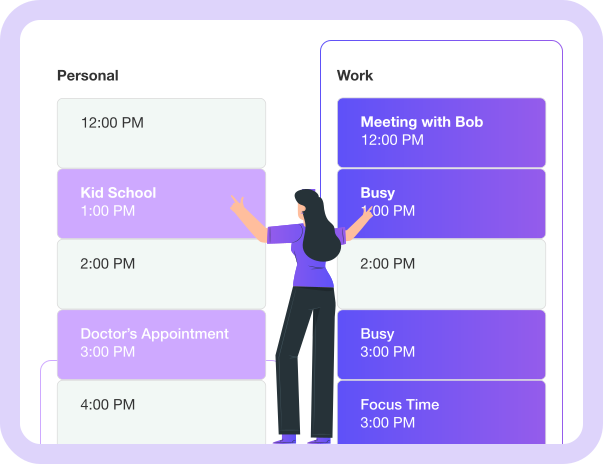
Are you still reconciling events across your personal and work calendars? Let GetCalendario do it for you automatically.

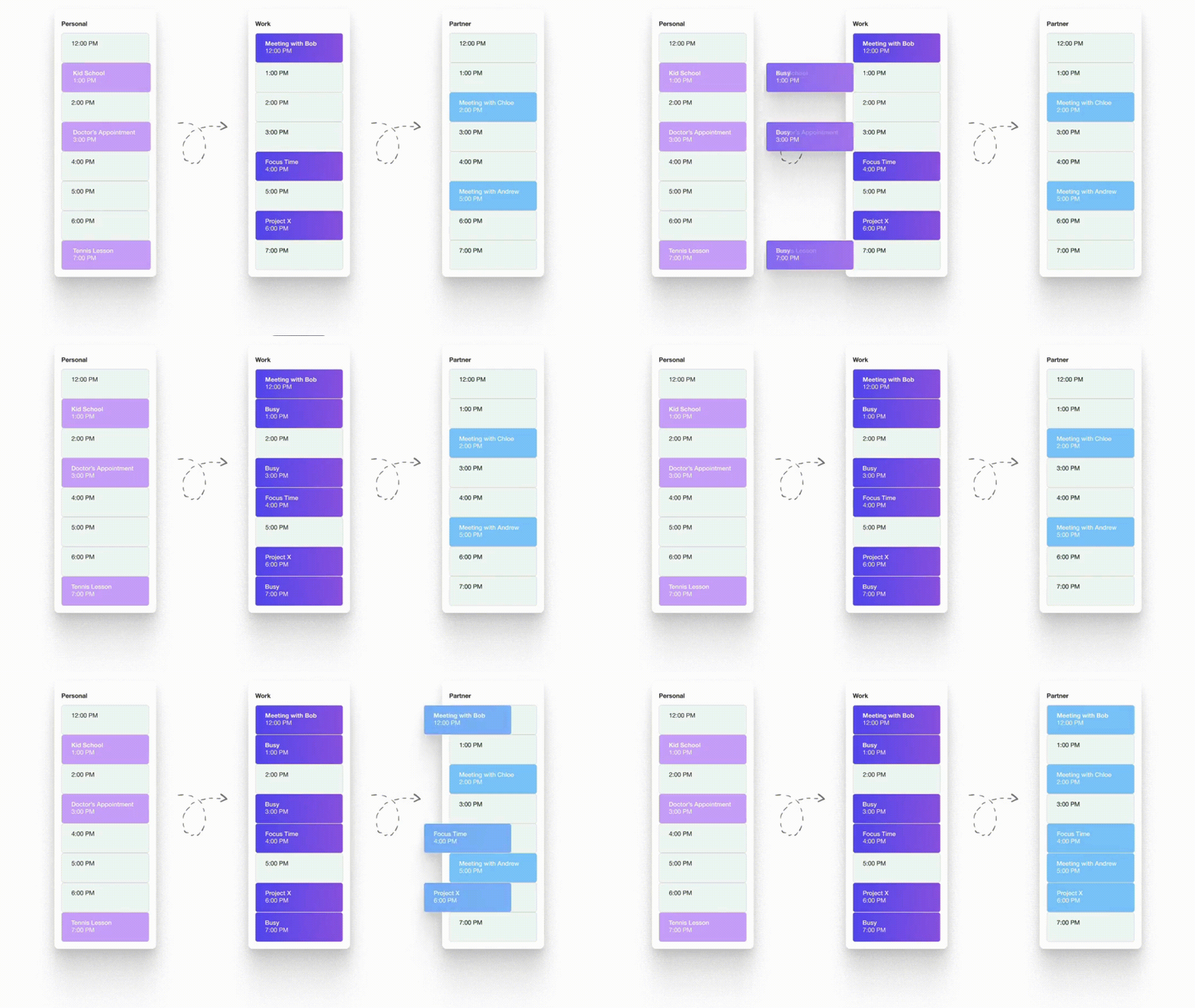
GetCalendario keeps all of your calendars synchronized. It helps you stop double-booking yourself.

Options include: Mark Destination Events as Private, Override Event Title & Descriptions, Sync Notes (or don't).

Event titles, descriptions, locations and meeting links are encrypted in our database.

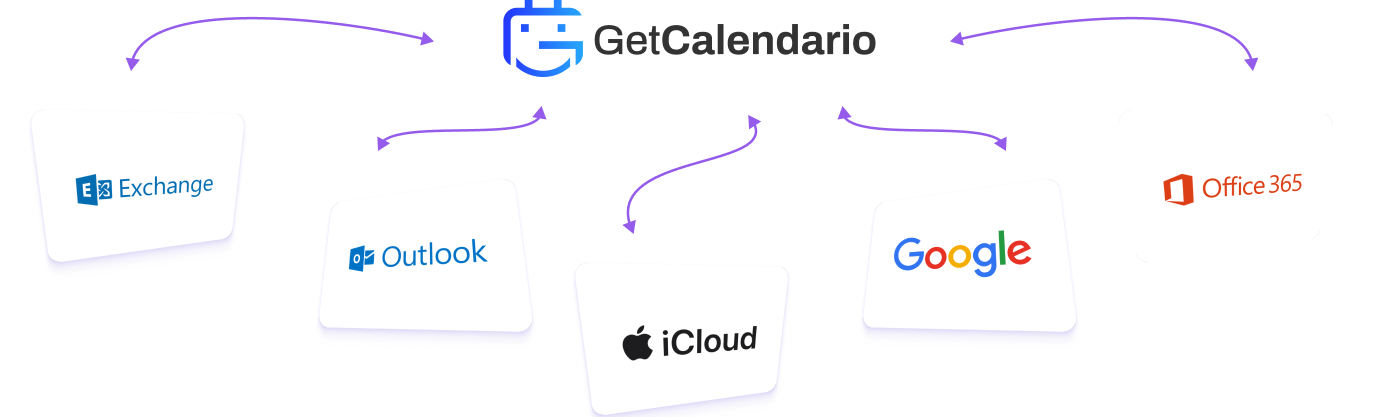
Connect calendars from / to Google, Microsoft 365, Microsoft Outlook and Microsoft Exchange. Connect from Apple (iCloud), read only for now.
You and your spouse or partner need each others' events (or at least Free/Busy details) at each others' fingertips.
No Apps / Nothing To Download!
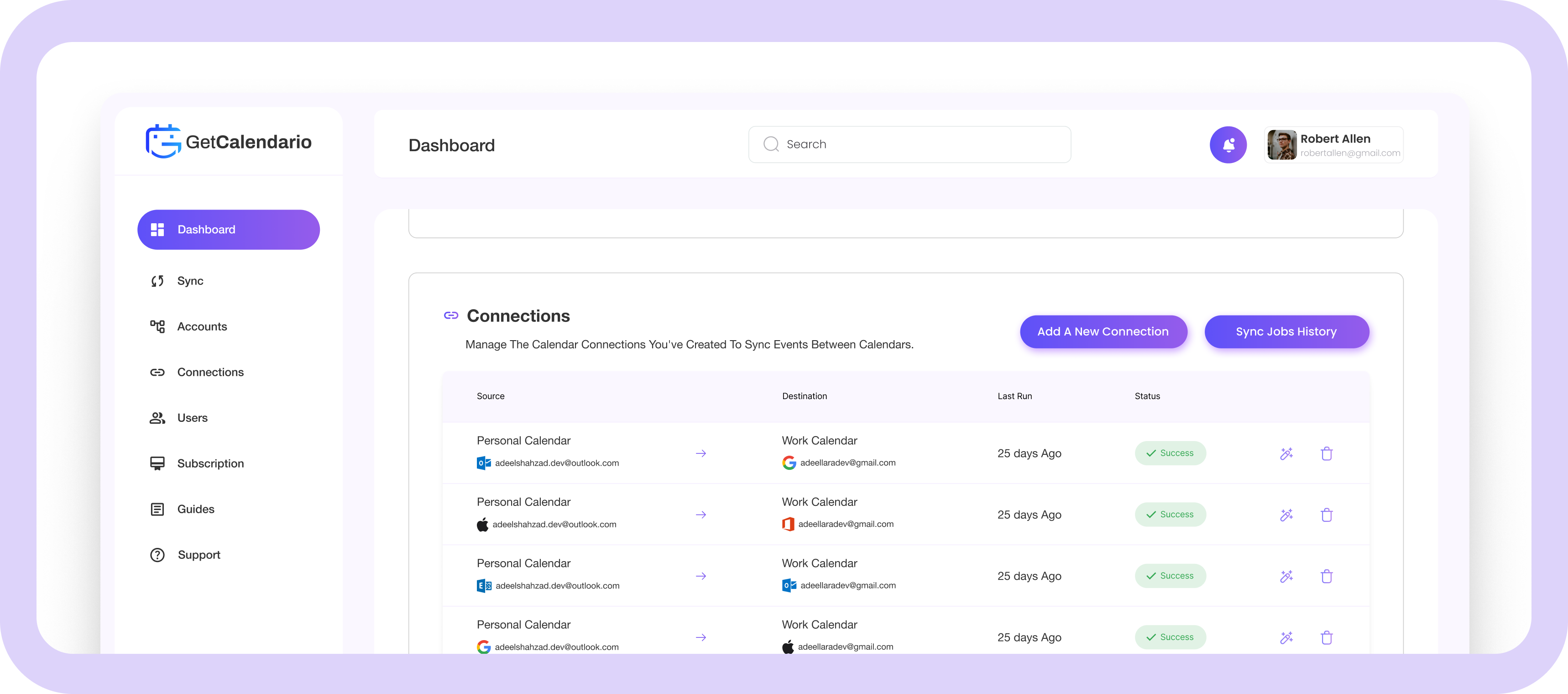
Really! No app to download or install! Set up your connections, and... "Sync-Go!"

GetCalendario discovers new matching events and puts them in your target calendar(s)!

Keep using your Google or Microsoft calendars exactly as you do today, on any phone or computer.

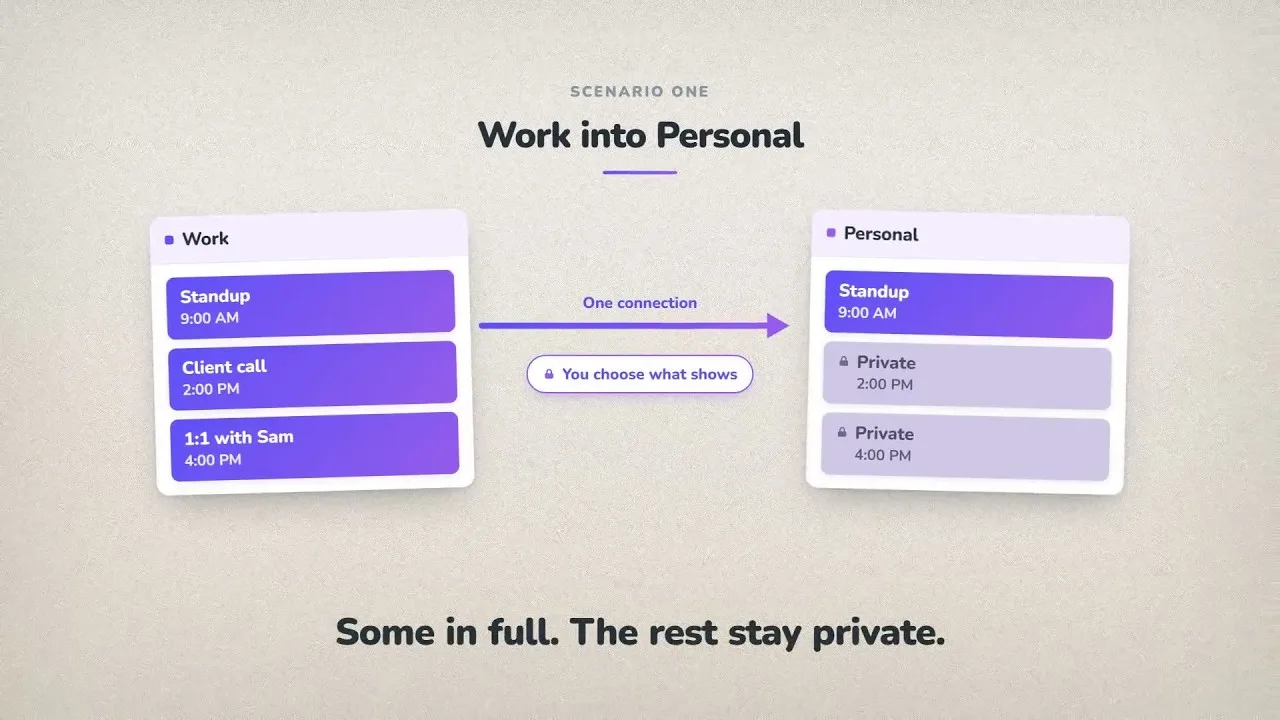
Share full details and/or hide private events.

GetCalendario can automatically send events to destination calendars via "chained" connections.

Share or limit titles & descriptions if desired.
“Having multiple calendars has always been a pain. Missed invitations and unclear availability made managing schedules a nightmare. Thanks to GetCalendario, my team and I are always on the same page, and scheduling meetings is a breeze.”
— Business & Teams customer
“Having work and personal calendars meant juggling two places and never knowing my full calendar story. With GetCalendario.com... it's easy!”
— Solo-preneur
“Once I got my spouse's details available to see on my phone, as soon as they made an update - it was a game changer for us! We stopped fighting about calendars immediately!”
— Parents
Our mission is to help you reflect your real availability across
multiple calendars, not sneaking into your personal data.

We connect with secure sign-in, never your password. Revoke access any time.

Read and write access to your calendars, used to keep them in sync.

We never sell your data. Events are read only to run your syncs, backups and shared views. Delete anytime.
Answers to the most common questions about how GetCalendario works.
Try out GetCalendario For 14 Days for Free, no card needed
Get Started